
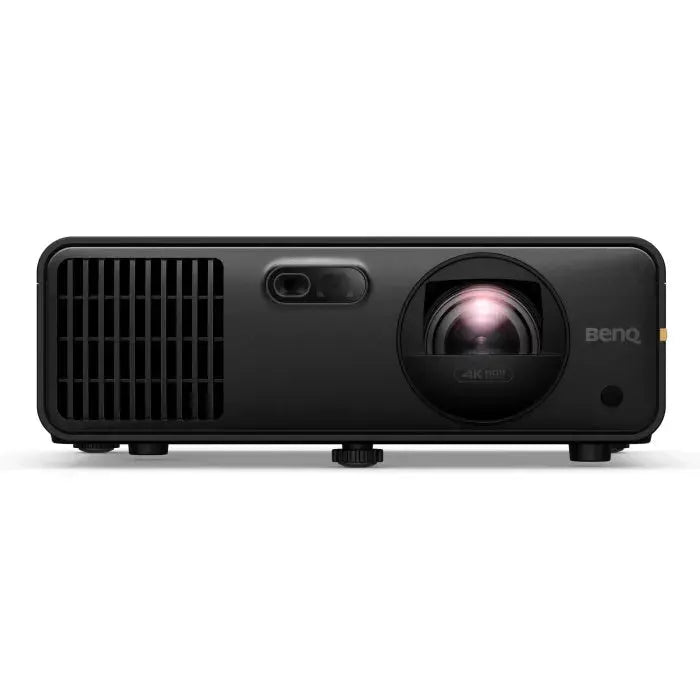
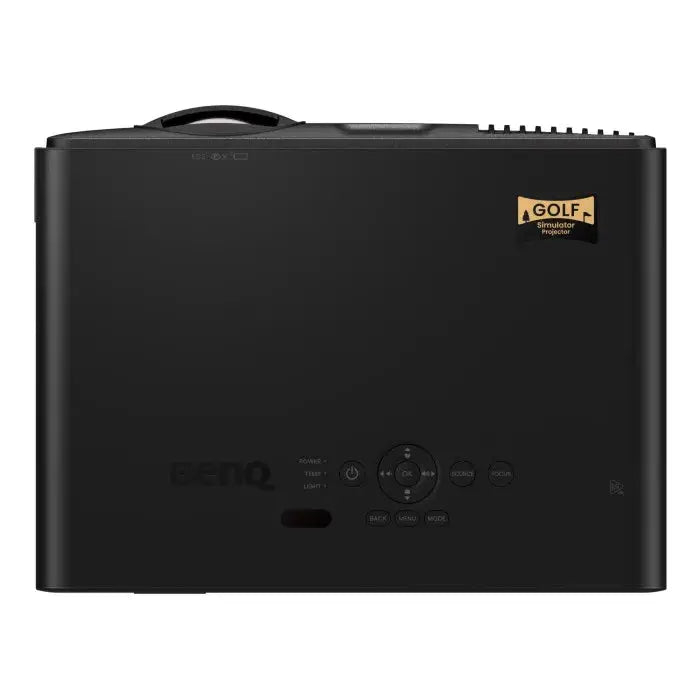


Setting up a projector in a simulator room usually means a lot of measuring, adjusting, and second-guessing. The AK700ST cuts through that with Auto Screen Fit — point it roughly at your screen, let it overflow the edges slightly, press OK, and the projector automatically calibrates focus, zoom, and aspect ratio to fill your screen correctly. No ladder, no fine-tuning from across the room.
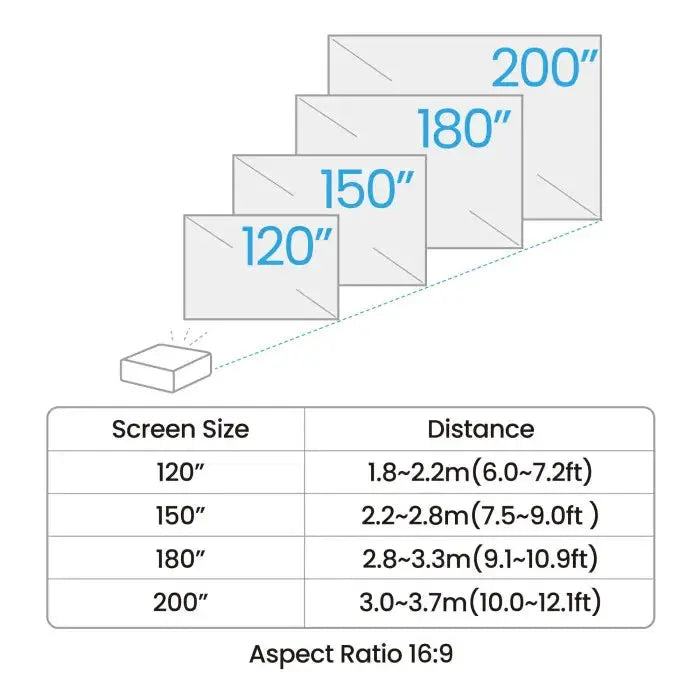
The 0.69–0.83 short throw ratio keeps the unit close to the screen and well behind the player, out of the swing path and away from any risk of an errant follow-through. At 4,000 lumens, the image stays vivid and clear even when the room isn't fully blacked out. And with a 20,000-hour laser light source, this projector will outlast several seasons of daily sim sessions before you ever think about a replacement.
The IP5X-sealed engine handles dusty garage environments without complaint — no special climate-controlled room required.
What Makes It Golf-Specific
Auto Screen Fit — Automatically adjusts focus, zoom, and image alignment to match your screen. Works with standard flat screens.
Golf Color Mode — Optimized color rendering tuned specifically for the greens, fairways, and course environments that make up your sim display. Courses look like courses, not like a generic projection.
Short Throw at 0.69–0.83 — A tight throw ratio that keeps the projector behind the hitting zone without requiring a long room to achieve a large image. Supports screen sizes up to 200 inches.
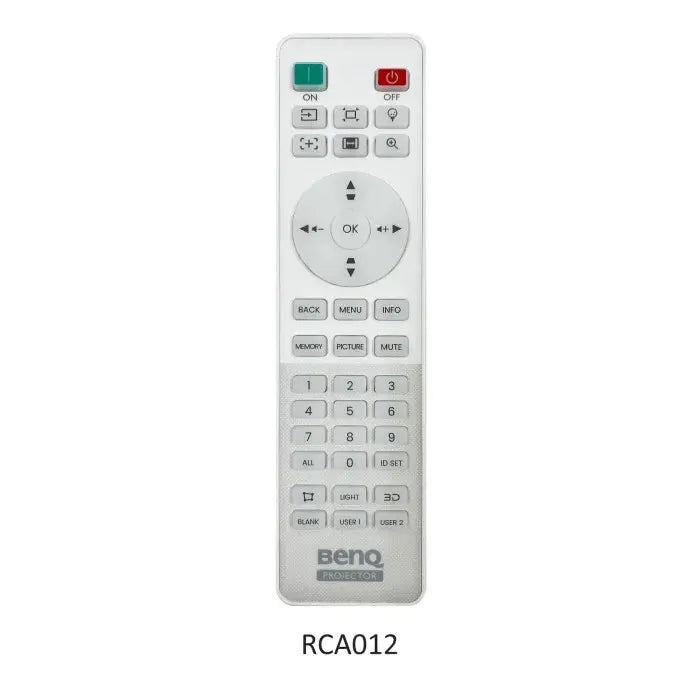
Remote-Controlled Focus — Adjust focus from anywhere in the room without touching the unit. No repositioning, no step stool.
Warping for Curved Screens — Full warping support makes this compatible with curved enclosures. Note: warping mode disables Auto Screen Fit, Focus, Corner Fit, and Keystone — so choose your setup path before you configure.
IP5X Dust-Sealed Engine — The internal optics are fully sealed against dust ingress. Reliable performance in garages, basements, and any space that isn't clinically clean.
How Auto Screen Fit Works
The setup flow is straightforward and takes just a few minutes:
- Mount or position the projector so the image overflows your screen on all sides — BenQ recommends at least a 2.4″ border around the screen edge
- Power on the projector — a setup prompt will appear automatically on first use
- Adjust distance, tilt, and zoom until the calibration pattern sits inside your screen borders
- Press OK — Auto Screen Fit runs and aligns the image to your screen
- Use Corner Fit to make any final edge adjustments
Full Specifications
| Spec | Detail |
|---|---|
| Resolution | 4K UHD (3840 × 2160) |
| Brightness | 4,000 ANSI lumens |
| Contrast Ratio | 3,000,000:1 |
| Native Aspect Ratio | 16:9 |
| Light Source | Laser |
| Light Source Life | Up to 20,000 hours |
| Throw Ratio | 0.69–0.83 |
| Zoom | 1.2x optical |
| Max Screen Size | 200 inches |
| Keystone | 3D — Vertical, Horizontal & Rotation ±30° |
| Lens Shift | Not available |
| Warping | Yes (disables Auto Screen Fit, Focus, Corner Fit & Keystone when active) |
| Projection Offset | 102.5% (full-height) |
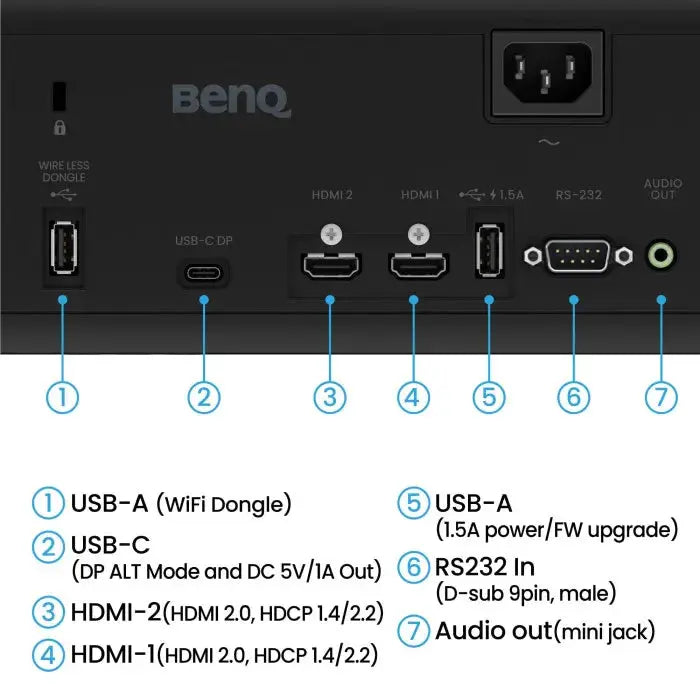
| HDMI | ×2 — HDMI 2.0b / HDCP 2.2 |
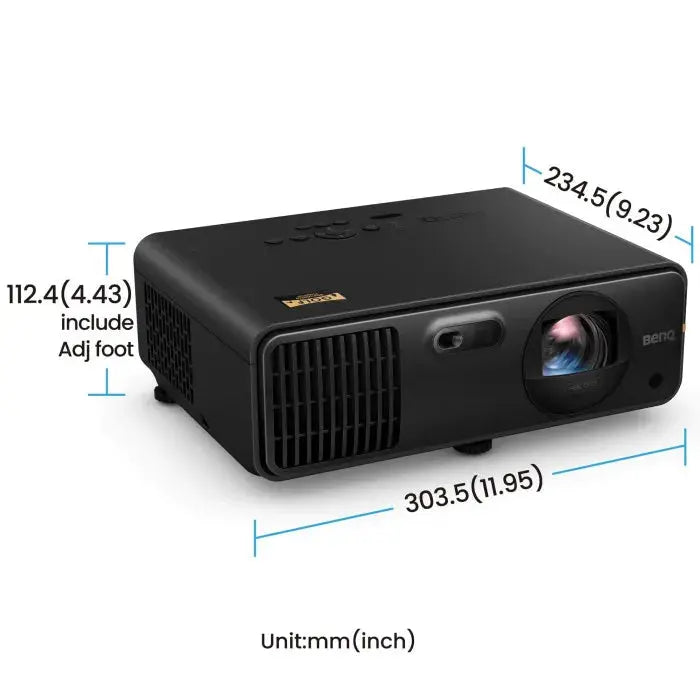
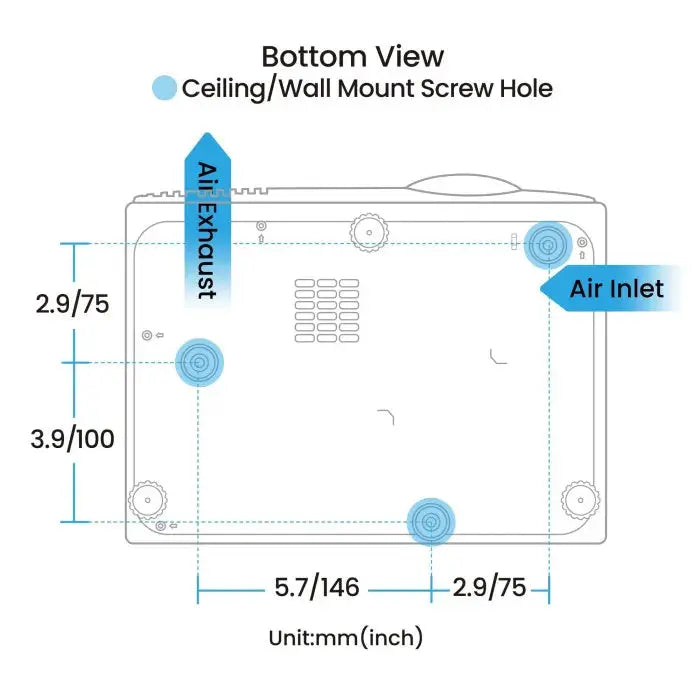
| Dimensions (W × H × D) | 11.9″ × 4.4″ × 9.2″ |
| Weight | 7.5 lbs |
| Dust Protection | IP5X sealed engine |
The bottom line: If your priority is an easy, accurate setup with golf-optimized color and a short throw that keeps the unit away from your swing, the AK700ST delivers all of it in a lightweight, laser-powered package — at a price point well below where 4K projectors with comparable specs usually sit.
Payment & Security
Your payment information is processed securely. We do not store credit card details nor have access to your credit card information.