
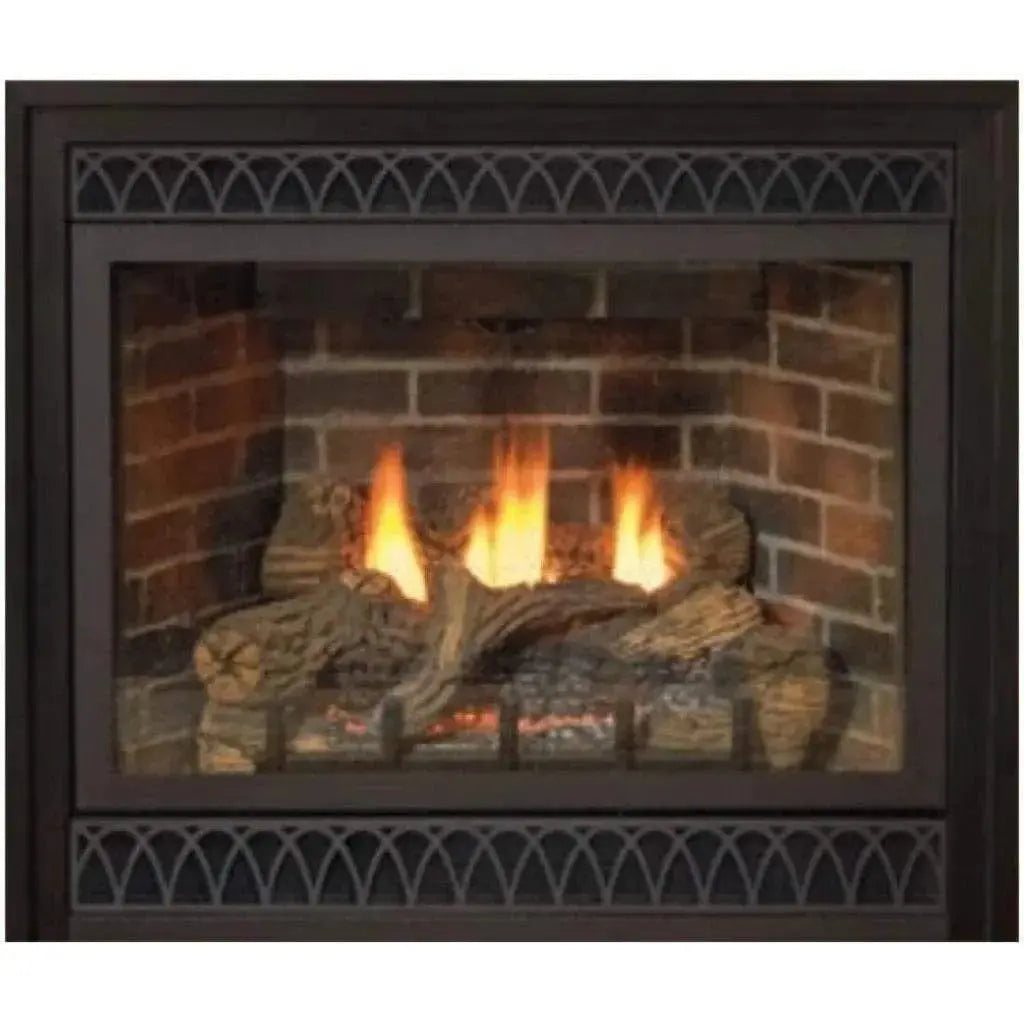
Fireplace How-To Guide
How to Light a Gas Fireplace
Whether your fireplace has a standing pilot light, electronic ignition, or a wall switch or remote — here is exactly how to light it, step by step.
To light a gas fireplace, first identify whether it uses a standing pilot light, electronic ignition, or a wall switch or remote. For a standing pilot, turn the gas control knob to "pilot," press and hold it while igniting the pilot, hold for about 30 seconds, then turn the knob to "on." For electronic-ignition or switch-controlled models, simply flip the switch or press the remote button. Always confirm your specific model in the owner's manual before lighting.
First identify your ignition type. Standing pilot: turn the knob to pilot, hold while igniting, hold 30 seconds, then turn to on. Electronic or switch/remote: just flip the switch or press the button. Always check your model's manual first.
First, identify your ignition type
- Standing pilot light: a small flame burns continuously; you light it manually with the gas control knob.
- Electronic ignition (IPI): the pilot sparks on demand when you turn the unit on; no constant flame.
- Switch or remote: a wall switch, remote, or app starts the fire with no manual pilot step.
How to light a standing pilot light
This is the most common manual method. Work slowly and never force the knob.
- Locate the gas control knob, usually behind a lower vent or access panel.
- Turn the knob to "off" and wait five minutes to let any gas clear. This step is important for safety.
- Turn the knob to "pilot."
- Press and hold the knob in. This lets gas flow to the pilot.
- While holding, press the igniter button (often red) repeatedly until the pilot lights. If there is no igniter, hold a long lighter to the pilot opening.
- Keep holding the knob for about 30 seconds after the pilot lights, so the thermocouple heats up and keeps the pilot burning.
- Slowly release the knob. The pilot should stay lit. If it goes out, repeat the process.
- Turn the knob to "on," then use your switch, remote, or thermostat to start the main burner.
How to light an electronic-ignition fireplace
Electronic-ignition models do not keep a constant pilot. To light one, make sure the unit has power (battery backup or an outlet), then turn it on using the wall switch, remote, or control panel. The system sparks the pilot automatically and the main burner follows within a few seconds. If nothing happens, check the batteries in the receiver and remote first.
How to turn on a switch- or remote-controlled fireplace
Many modern fireplaces need nothing more than a flip of the wall switch or a button on the remote. If it does not ignite, confirm the gas supply valve is open, the pilot or ignition system is functioning, and any remote batteries are fresh.
What to do if your gas fireplace will not light
If the fireplace will not light, check the most common causes: the gas supply valve may be closed, the pilot may have gone out, remote or receiver batteries may be dead, or a dirty thermocouple may be preventing the pilot from staying lit. If you smell gas at any point, stop immediately, do not use any switches or flames, ventilate the area, and contact your gas provider or a professional.
Keep your fireplace running its best
An annual professional inspection keeps any gas fireplace lighting reliably and operating safely. If you are shopping for a new unit with easy push-button or remote ignition, AQVINA carries gas fireplaces from Empire, Majestic, Superior, and Kingsman. Browse the gas fireplace collection or explore all fireplaces. As an authorized dealer, we provide genuine units, full manufacturer warranties, and expert support.
Upgrade to effortless ignition
Explore gas fireplaces with push-button and remote start — genuine units, full warranties, free shipping, and no sales tax at AQVINA World.
Shop Gas Fireplaces